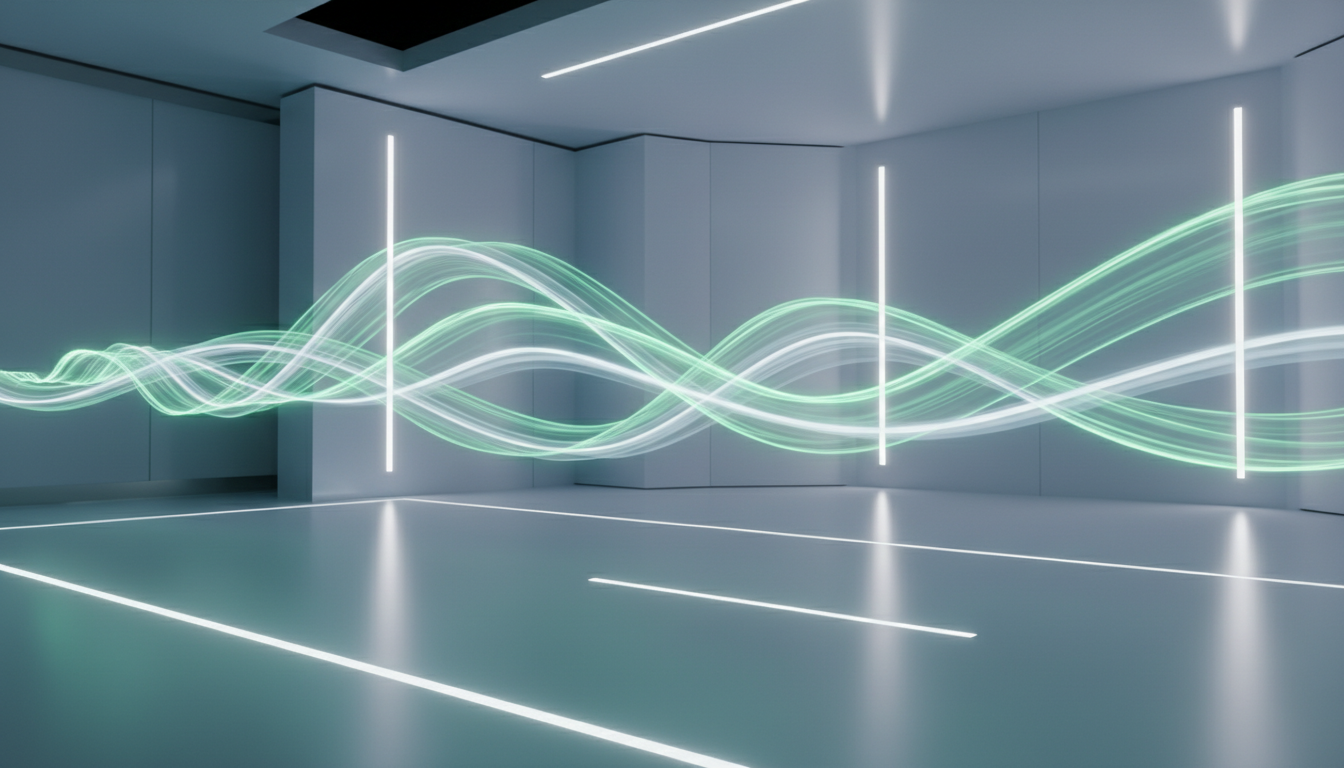
Free Mochi 1 AI Video Model
Mochi 1 is an AI video model that creates short, smooth videos from your text prompt. Just describe what you want to see, and it generates a realistic video clip with strong motion and clear visuals.
It’s free to use, and no sign-up is required.
Generate Videos from Text
Type your prompt, click Generate, and get a high-quality video clip instantly. Add camera, lighting, and motion details to refine results.
Drag & drop or click to upload
JPG, PNG up to 10MBResult
Video result will appear here
Key Benefits of Mochi 1 Video Model
Ultra-Realistic Motion
Cinematic 30 FPS video that looks and feels professional. Every scene is rendered with lifelike fluidity and detail.
Accurate Prompt Matching
Mochi 1 faithfully captures every element of your description. From characters to environment, the output closely follows your text.
Lightning-Fast Output
Turn ideas into videos in seconds. Mochi 1 is optimized for speed, so you can iterate on concepts almost instantly.
Effortless Creativity
A sleek, user-friendly interface means no learning curve. Just type a prompt and click Generate—Mochi 1 handles the rest.
Core Features of Mochi 1
High-Fidelity Motion
Mochi 1 uses an advanced architecture to deliver silky-smooth, lifelike video. It renders each scene at 30 frames per second, so action sequences and transitions feel seamless and cinematic.
Precision Prompts
Every detail in your text gets noticed. Mochi 1 focuses on photorealism and motion, ensuring the final video matches your vision. Whether it’s “a sunset over a misty forest” or “a robot orchestra on stage,” the model generates exactly what you describe.
Rapid Generation
Create videos almost as fast as you think. Mochi 1 can produce a complete short video in seconds, dramatically speeding up your creative workflow. This lets you try more ideas and get to the perfect result without long waits.
Effortless Creativity
Say goodbye to technical hurdles. Mochi 1’s clean design makes video creation as easy as writing a line of text. No manual editing or special tools are required—just enter your prompt and watch your idea come to life.
Use Cases of Mochi 1
Content Creators: Animate stories, social media clips, or music videos with ease.
Marketers & Brands: Quickly generate eye-catching product demos, ads, and promo videos.
Filmmakers & Animators: Visualize scenes and concept trailers without a film crew or animation team.
Educators & Presenters: Bring lessons and presentations to life with dynamic video illustrations.
How to Use Mochi 1?
Step 1: Write Your Prompt
Type what you want to see in the video. Include the subject, action, and scene details (like lighting or camera style) for better results.
Step 2: Generate Video
Click Generate to turn your prompt into a video clip. Mochi 1 creates smooth motion and clear visuals in seconds.
Step 3: Download & Share
Once the video is ready, click Download to save it. Use it for Reels, Shorts, ads, or any creative project.
What You Can Create
Short cinematic scenes, Social media clips, Product promos, and more.
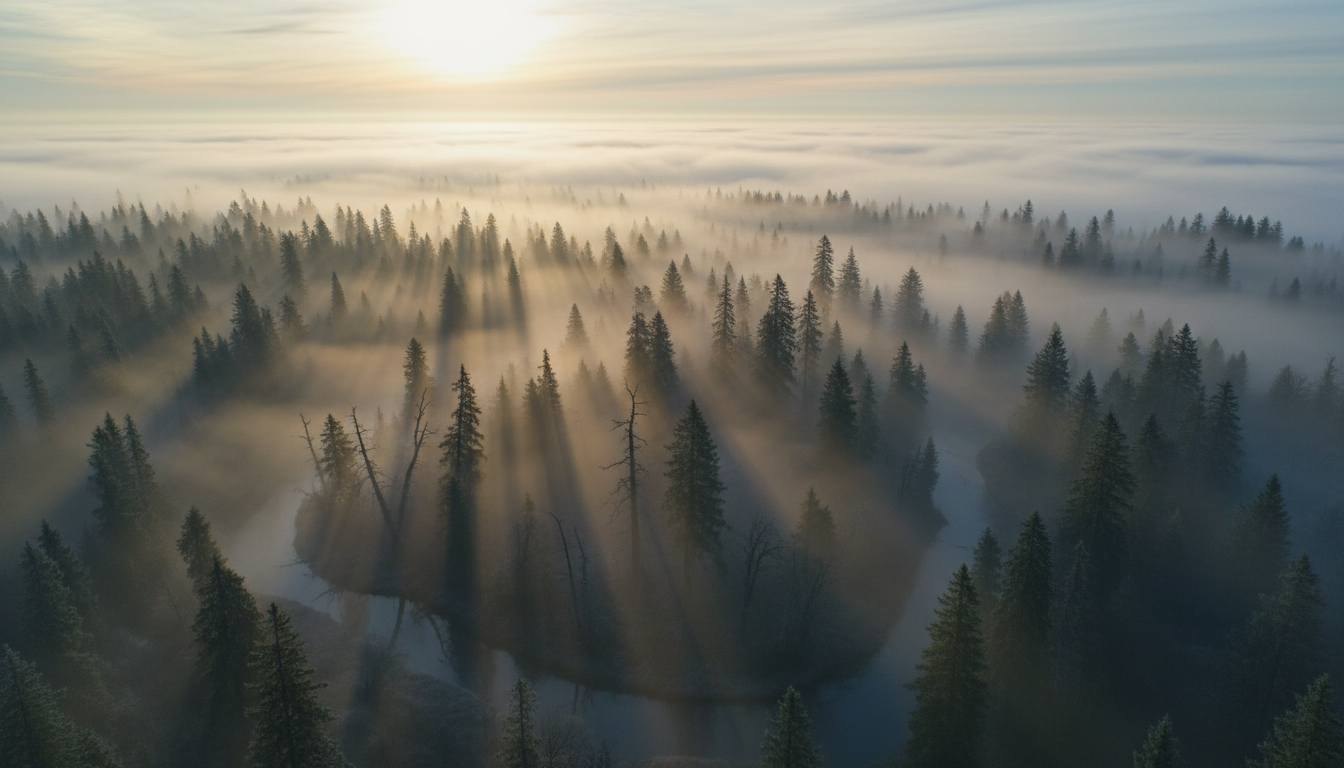
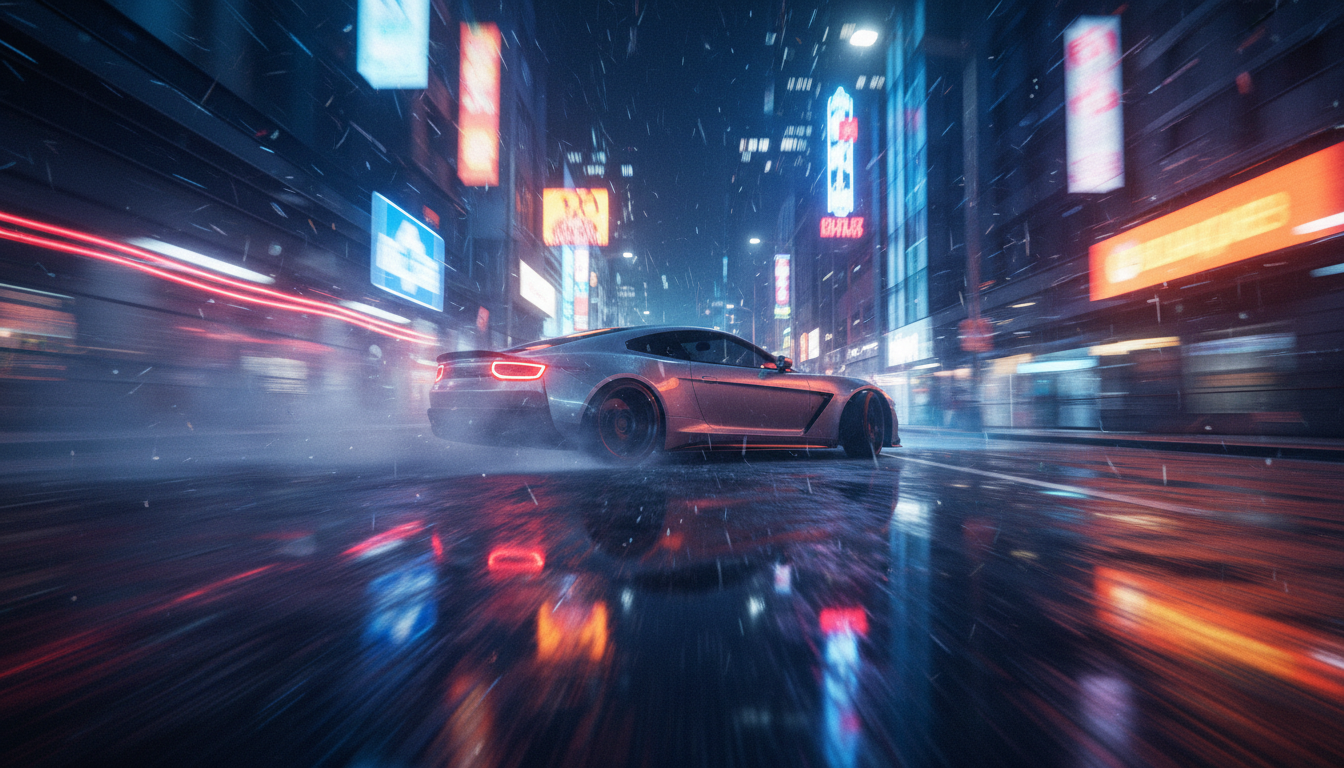

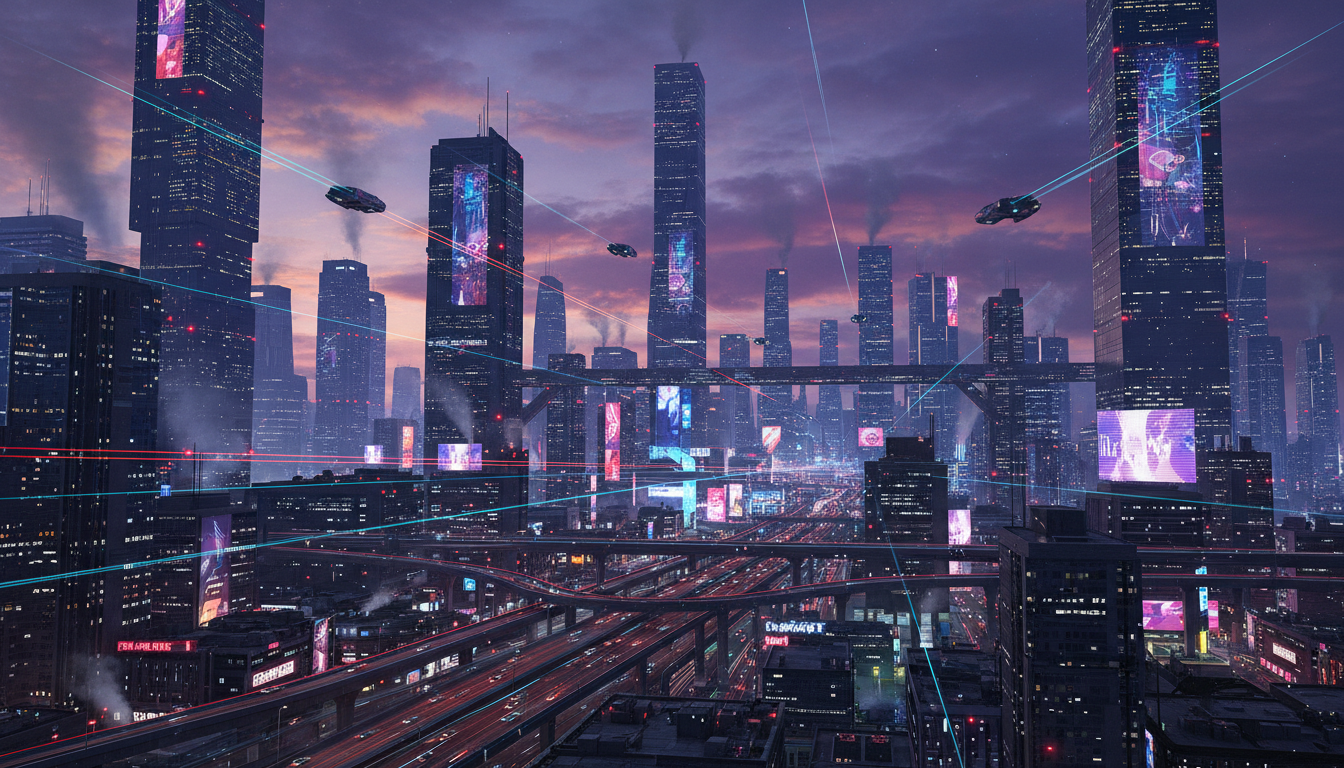

Testimonials
“The motion is surprisingly smooth. It doesn’t look shaky like many other models.”

“Prompt accuracy is strong. The output actually matches what I describe.”

“I use it for quick ad concepts. It saves a lot of time.”

FAQs About AI Mochi 1 Video Model
Mochi 1 is an AI text-to-video model that creates short video clips from written prompts.
Yes. It’s free to use.
Yes. Mochi 1 is free to use and no sign-up is required.
Yes. Anyone can use it. Just write a prompt, click generate, and download the result.
Short and clear prompts work best. Mention the subject, action, and scene. Adding camera style and lighting improves results.
Most videos generate in seconds. Timing can vary depending on traffic and complexity.
Yes. Mochi 1 is perfect for Reels, Shorts, TikTok-style clips, and content marketing.
Yes. You can generate product promo shots, cinematic ad scenes, and branded visuals from simple prompts.
Yes. You can add camera terms like “slow pan”, “zoom in”, “drone shot”, or “handheld” to create cinematic motion.
Add details like:
lighting (soft light, golden hour, studio light)
camera (close-up, wide shot)
style keywords (cinematic, photorealistic)
environment details (rain, fog, city lights)
AI results can vary. Try making the prompt more specific and avoid adding too many instructions in one line.
Yes. You can regenerate with the same prompt to get different versions and choose the best one.
Mochi 1 generates 480p video clips.